Creating a productive home office environment is essential for anyone who works remotely or spends significant time on personal projects. When your workspace supports focus, comfort, and efficiency, it’s easier to stay motivated and complete tasks effectively. If you want to improve your home office setup, here are practical tips to help you build a space that inspires productivity.
1. Choose the Right Location
The first step is picking the right spot for your home office. Ideally, select a quiet area away from high-traffic zones in your home. This helps minimize distractions and interruptions. If space is limited, even a corner of a room can work if it’s well-organized and dedicated solely to work.
Consider natural light when choosing your location. A spot near a window can improve mood and reduce eye strain. However, avoid direct glare on your computer screen by using curtains or blinds if needed.
2. Invest in Comfortable and Functional Furniture
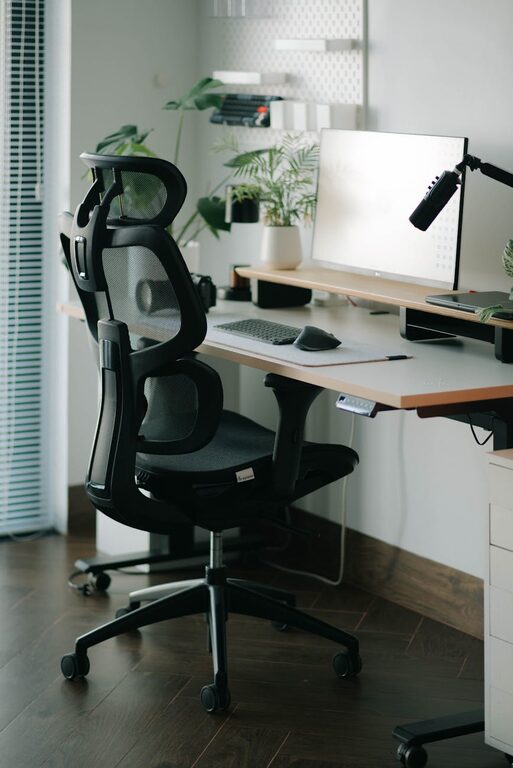
Comfort is key for long hours spent working. A good office chair with proper lumbar support can prevent back pain and improve posture. Adjustable chairs allow you to customize height and tilt for better comfort.
Choose a desk or table with enough surface area to hold your computer, paperwork, and essential tools. Standing desks or adjustable sit-stand desks are popular options that promote movement and reduce sedentary time.
3. Organize Your Workspace Efficiently
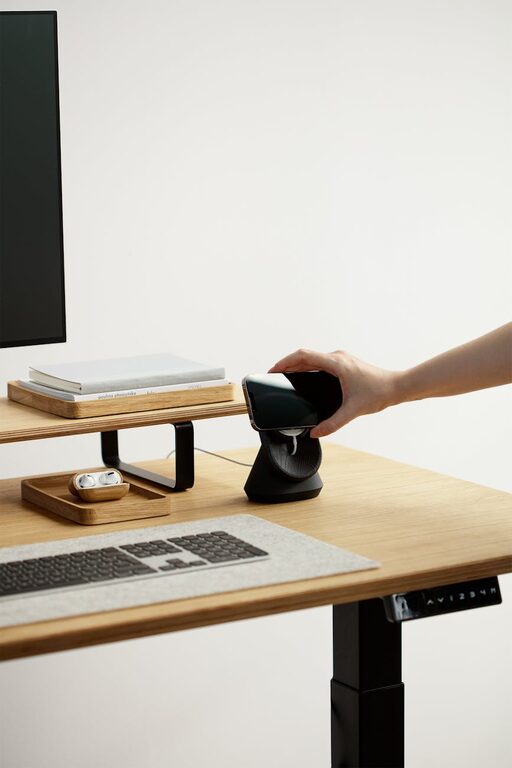
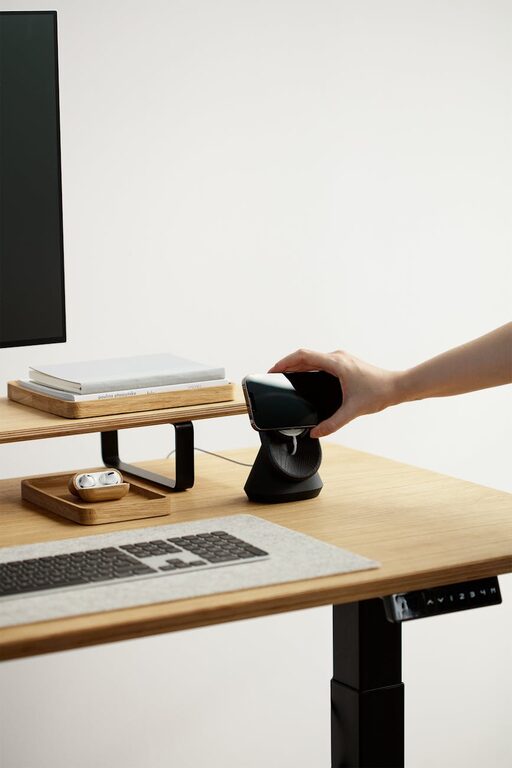
A cluttered desk can distract you and reduce productivity. Keep only frequently used items on your desk and store other supplies in drawers or shelves. Use organizers, trays, or filing systems to stay tidy.
Establish zones within your workspace: a spot for your computer and daily tasks, an area for filing paper documents, and a place for reference books or supplies. This organization helps you find what you need quickly and keeps your environment calm.
4. Optimize Lighting
Good lighting is crucial to reduce eye strain and keep you alert. Combine natural light with artificial lighting for the best results. A desk lamp with adjustable brightness works well for focused tasks.
If you often join video calls, make sure your face is well-lit without harsh shadows. Position lighting sources in front of you rather than behind.
5. Minimize Noise and Distractions
Background noise can make it hard to concentrate. To reduce distractions, consider noise-canceling headphones or earplugs. You might also play soft instrumental music or white noise to improve focus.
Discuss boundaries with family or housemates about your work hours and the importance of minimizing interruptions. Posting a “Do Not Disturb” sign on your door can serve as a gentle reminder.
6. Personalize Your Space
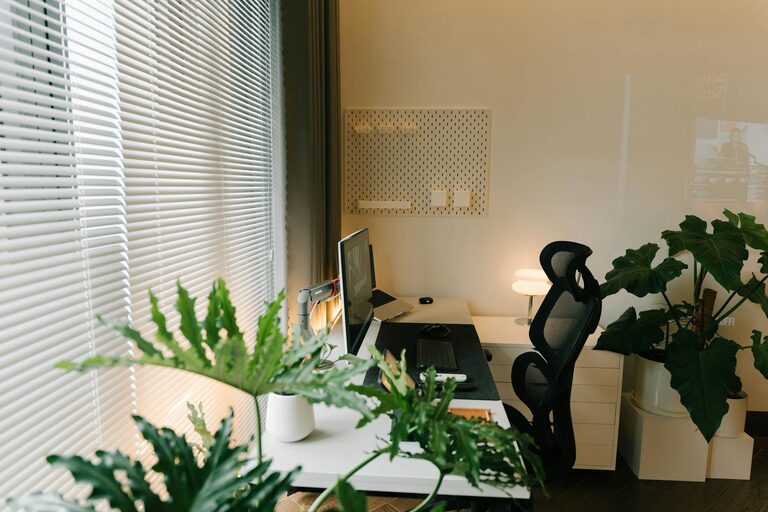
Personal touches can make your home office feel inviting and motivating. Add items that inspire you, like plants, artwork, or motivational quotes. Plants, in particular, can improve air quality and provide a calming atmosphere.
Be mindful not to overcrowd your workspace with decorations, as this can become distracting.
7. Use Technology Wisely
Make sure your internet connection is fast and reliable. Invest in essential technology such as a quality headset, webcam, and external monitor if needed. Keeping your software updated and using productivity apps like task managers or calendars can help you stay on track.
Regularly back up important files to cloud storage or external drives to prevent data loss.
8. Establish a Routine
Even with the perfect workspace, productivity thrives with a routine. Set regular work hours and stick to them. Take short breaks to stretch or rest your eyes throughout the day to maintain focus and avoid burnout.
Start your day by reviewing your tasks and prioritizing your most important work. Ending your day with a quick tidy-up helps keep your space ready for tomorrow.
9. Pay Attention to Ergonomics
Ergonomics helps prevent discomfort and injuries over time. Position your monitor at eye level about an arm’s length away to avoid neck strain. Keep your keyboard and mouse at a comfortable height to maintain neutral wrist positions.
Using a footrest or an ergonomic keyboard can further improve comfort. Regularly changing your posture and taking movement breaks reduces fatigue.
10. Keep Your Workspace Clean
A clean environment supports better concentration and wellness. Develop habits like wiping down surfaces weekly and organizing cables to reduce clutter and dust.
Clean your computer peripherals such as keyboards and mice regularly to maintain hygiene, especially if you share your workspace.
—
Creating a productive home office can significantly improve your work experience and output. By selecting the right location, investing in comfortable furniture, organizing thoughtfully, and paying attention to lighting and ergonomics, you set the stage for success. Personalizing your space and establishing routines will help maintain motivation day after day. With these tips, your home office can become a place where productivity and comfort go hand in hand.